Profile
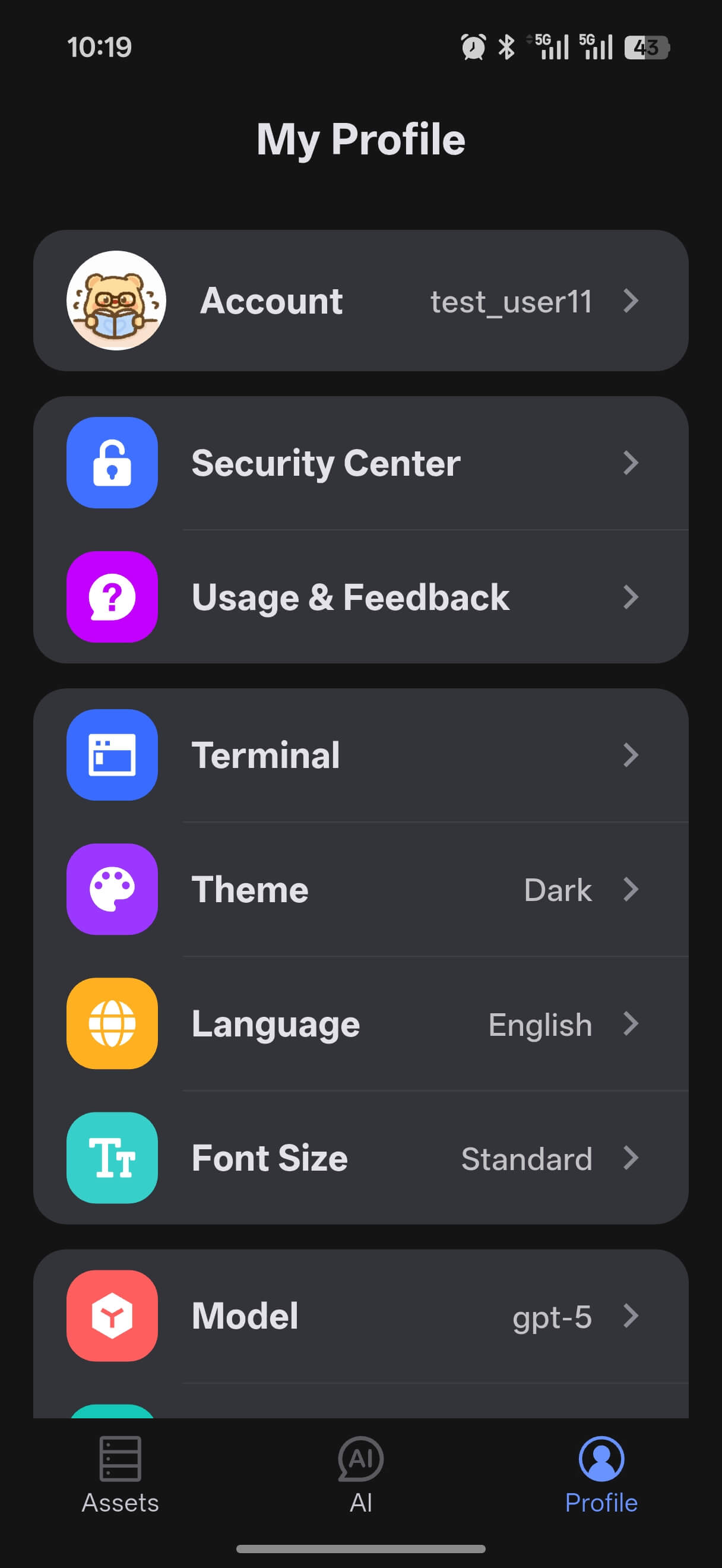
Profile is where you manage account information, app settings, and AI-related preferences on mobile.
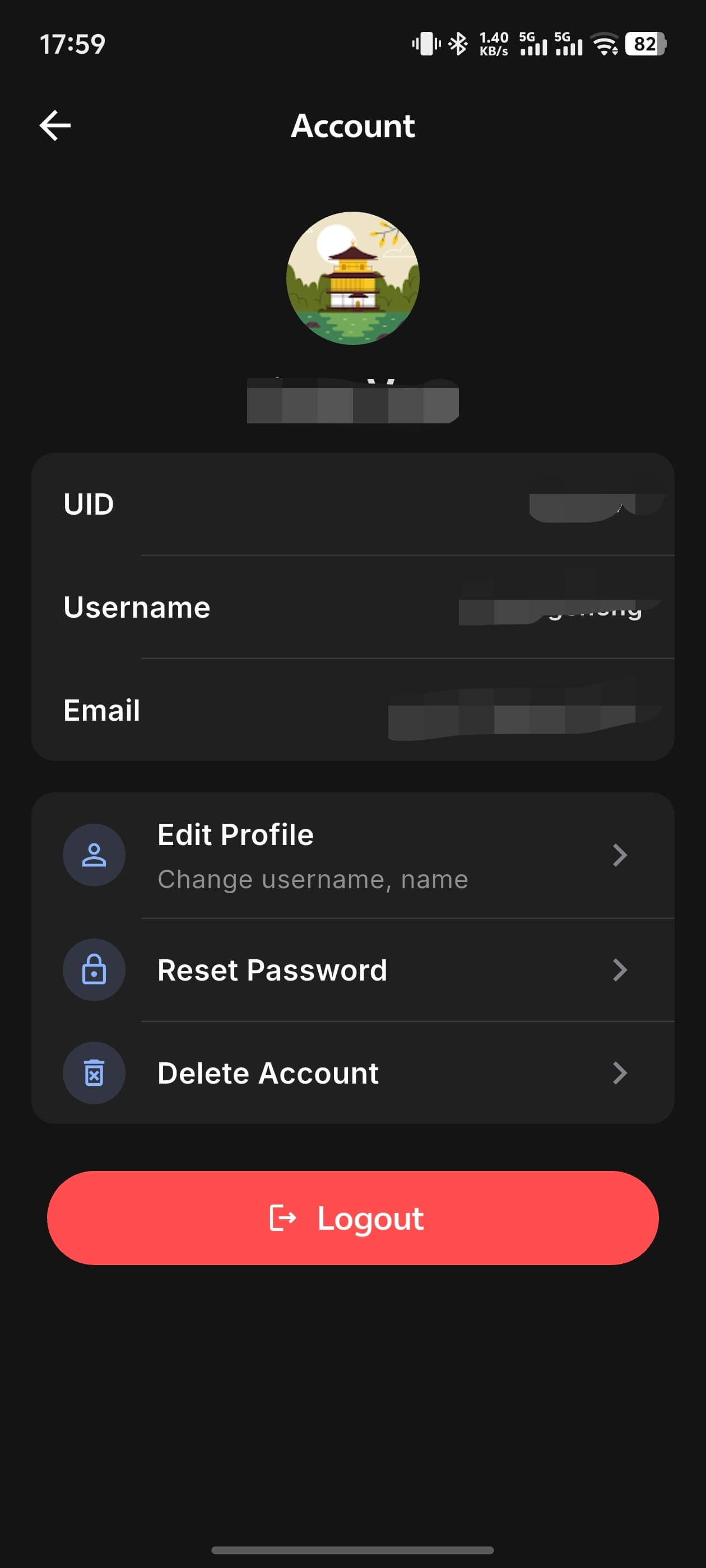
Account
You can complete these actions here:
- View the current signed-in account
- Edit profile information
- Sign out
- Reset password
- Delete the account
Security Center
Security Center provides signed-in device management.
- View all signed-in devices
- Remove untrusted devices
App Settings
Terminal
- KeepAlive heartbeat interval (default 15 seconds)
- Terminal execution timeout (default 60 seconds)
Appearance and Language
- Theme: Light / Dark / Follow System
- Language: Simplified Chinese / English / Follow System
- Font size: Small / Standard / Large
- Message font size: independently adjust the font size for AI chat messages using a slider
AI Settings
Model Selection
After signing in, you can choose from the models currently available in the app.
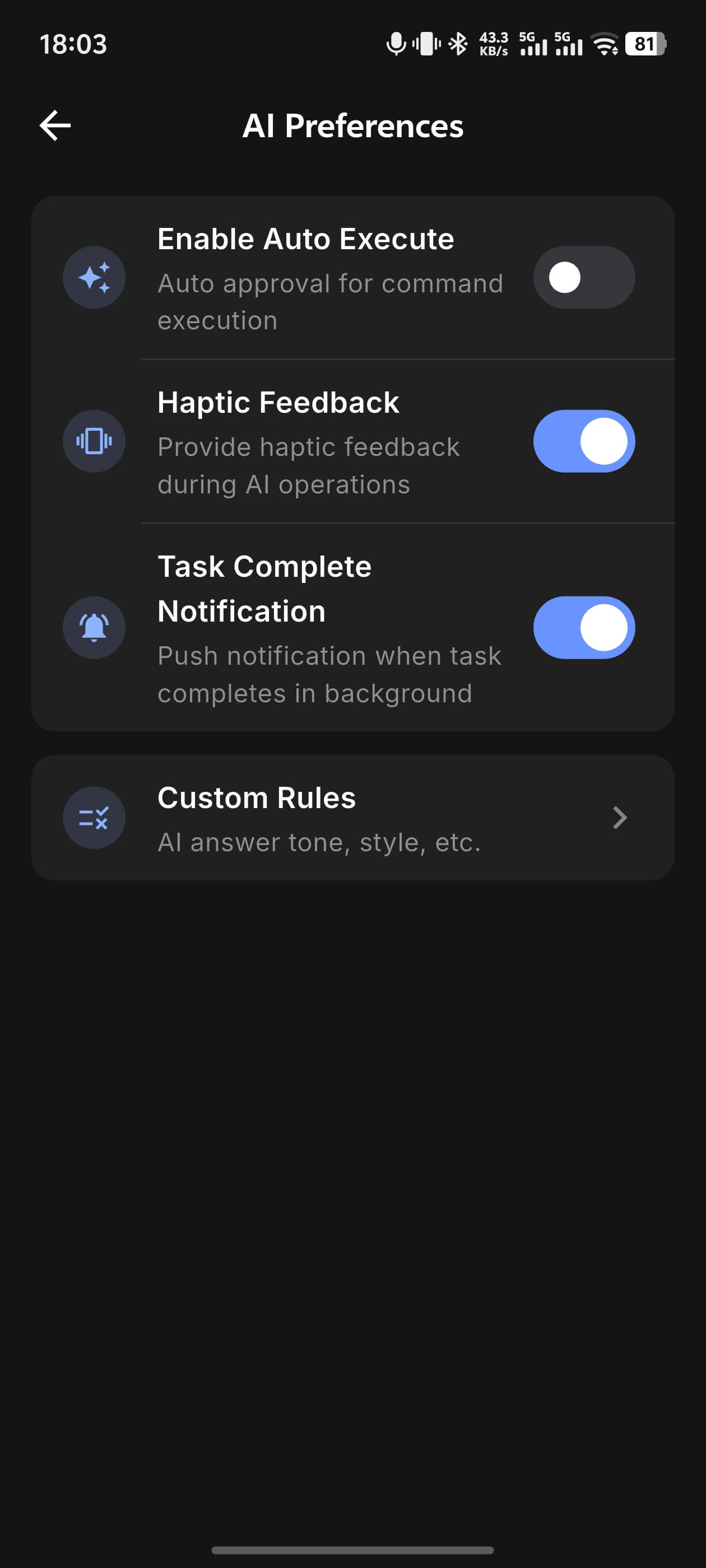
AI Preferences
- Auto-execute toggle
- Vibration feedback
- Task completion notifications
Custom Rules
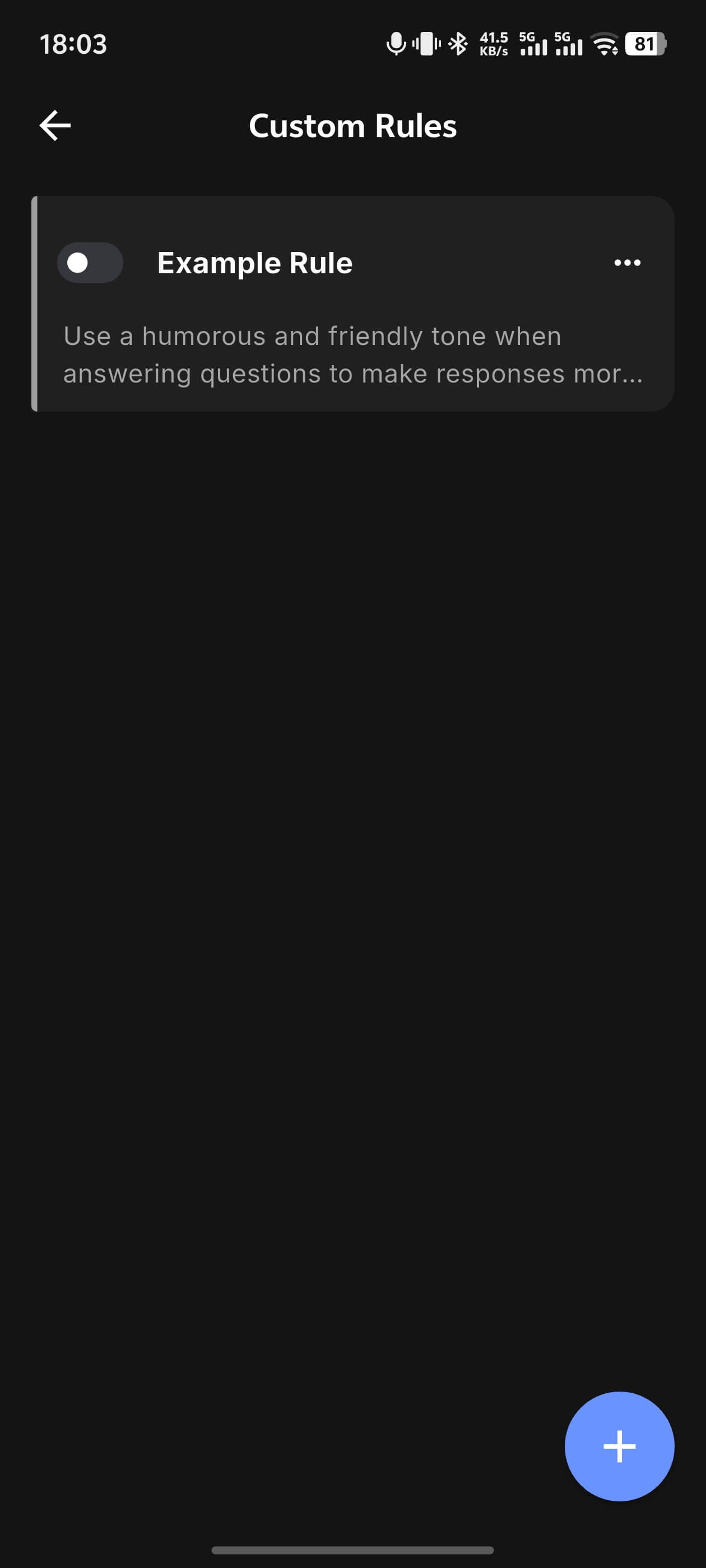
Set tone, style, and other personalized instructions for AI. Rules are appended to the system prompt for every conversation.
Go to Custom Rules → tap + in the lower-right corner to create a rule. Rules take effect immediately after saving. Each rule can be toggled on or off independently without deleting it.
Example rules:
Reply in English, be concise and direct, avoid over-explainingBriefly state the purpose before running any commandPrefer kubectl over the k8s alias
Data Management
- Data sync toggle: when enabled, asset data and session data are encrypted and synced to the cloud, keeping all your devices in sync
- Delete all conversation history: clears all locally saved AI chat history