Asset Management
The Assets module is the mobile entry point for managing SSH resources. It includes Direct Connection, Bastion Resources, and Key Management.
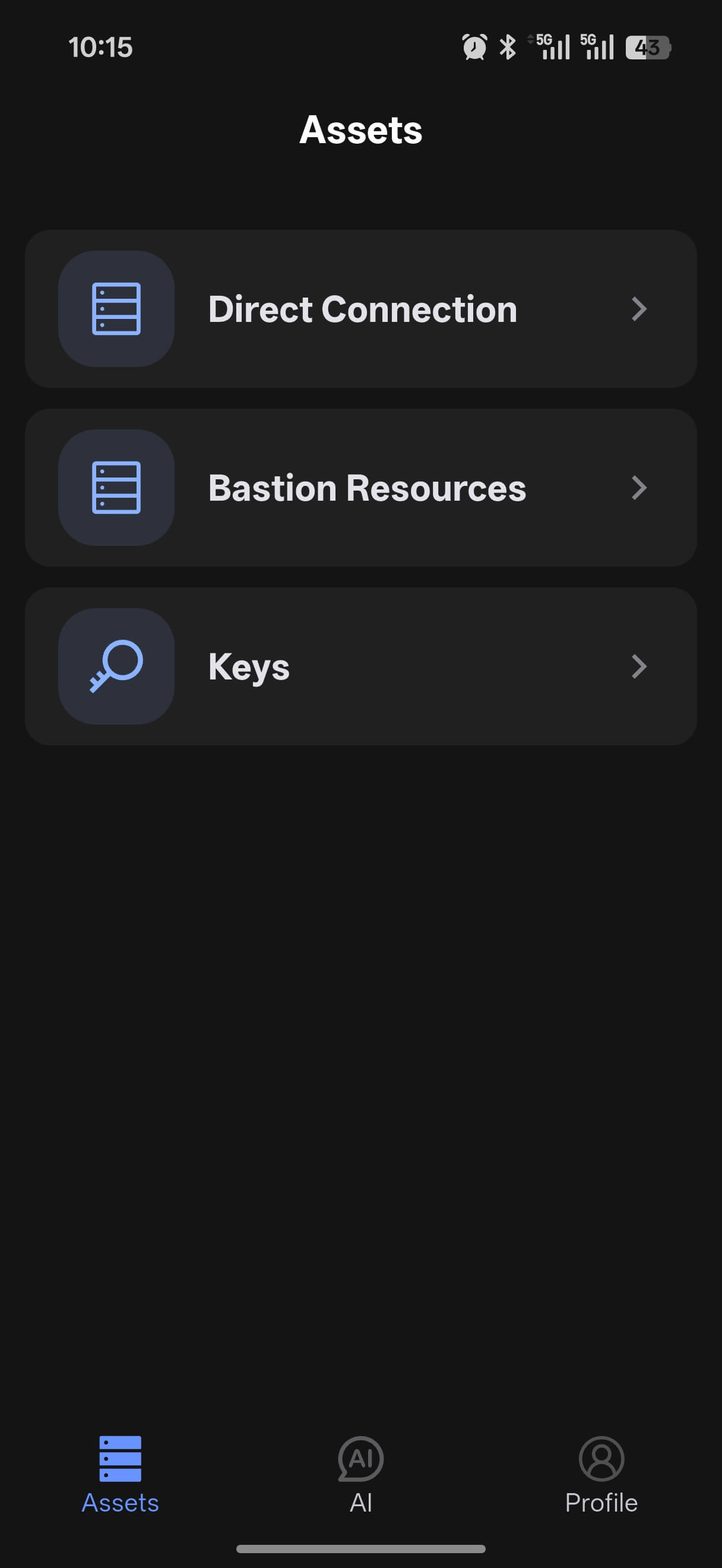
Direct Connections
Direct Connections are used for servers you add yourself.
Add a New Asset
Tap + in the lower-right corner → New, fill in the server details, and save.
| Field | Description |
|---|---|
| Label | A recognizable name, e.g. prod-web-01 |
| IP / Domain | Server address |
| Port | Default 22 |
| Username | Login user, e.g. root, ubuntu |
| Authentication | Password: enter directly; Key: import in Key Management first |
Manage Assets
- Connect: tap a host card to open an SSH session
- Edit: long-press a card and choose
Edit - Favorite: long-press a card and choose
Favoriteto pin it near the top - Delete: long-press a card and choose
Delete
Recent Connection Sorting
The host list is automatically sorted by last connection time, so the most recently used hosts appear at the top for quick access.
Search and Filter
You can search or filter by:
- Host name
- IP address
- Username
- Group
Bastion Resources
Bastion Resources are used to manage server assets maintained behind a jump server.
Add a Bastion Resource
- Tap
+ - Choose
New - Fill in the bastion host name, address, port, and username
- Choose key-based authentication
- Tap
Save and Sync
After saving, the synced server assets appear in the bastion host drop-down list.
Manage Bastion Resources
- Sync assets: tap the sync button next to the group title
- Edit: long-press the group name and choose
Edit - Delete: long-press the group name and choose
Delete
Manage Synced Server Assets
Synced assets under a bastion host support these actions:
- Tap a card to connect
- Long-press a card to edit notes
- Long-press a card to add it to favorites
Key Management
Key Management is used to maintain the SSH keys required for login.
- Tap the lower-right
+button to add a new key - Import key files from local storage
- Use the edit and delete actions shown on each key card
Tip
If you manage many hosts, keep favorites, groups, and notes organized first. It makes searching much faster.