Import and Export Hosts
Quickly migrate or back up your host assets by exporting them to a file or importing them from other tools.
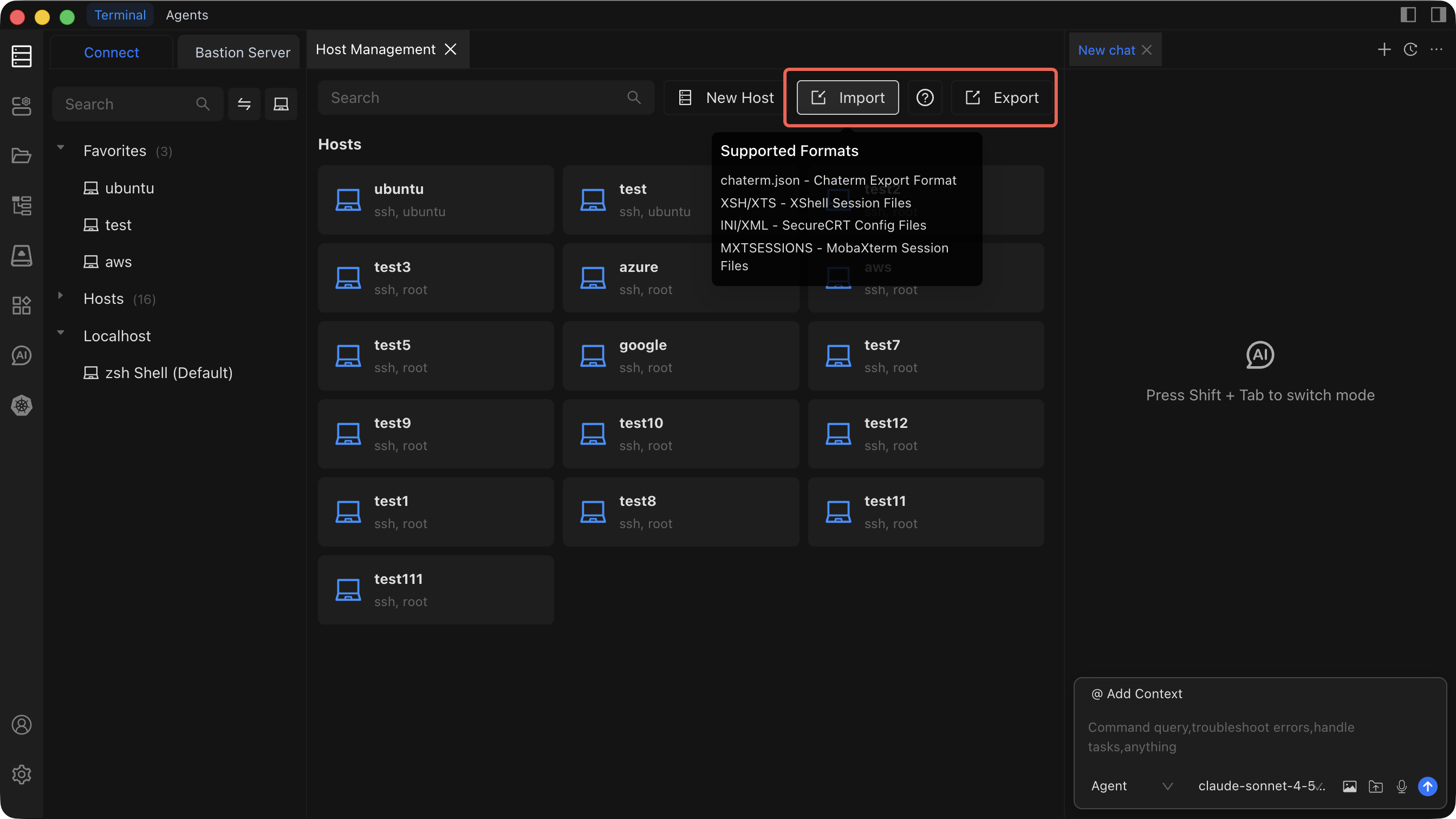
Export Hosts
- Open the Asset Management view.
- Click the Export button in the toolbar.
- Choose a save location on your local machine.
- The hosts are exported as a
.jsonfile containing all host configuration data.
Import Hosts
TIP
Back up your current host list by exporting it before performing an import. This ensures you can restore your original configuration if anything goes wrong.
- Open the Asset Management view.
- Click the Import button in the toolbar.
- Select the file you want to import from your local machine.
- Chaterm reads the file and adds the imported hosts to your host list.
Supported Formats
| Format | Source Tool | Notes |
|---|---|---|
| JSON | Chaterm | Standard Chaterm export format |
| XSH / XTS | XShell | Session files |
| INI / XML | SecureCRT | Config files |
| MXTSESSIONS | MobaXterm | Session files |
See Host Management for an overview of all host operations.