MCP Settings
MCP (Model Context Protocol) settings are used to configure and manage MCP servers, enabling AI to access external data sources and tools, expanding AI's capability boundaries.
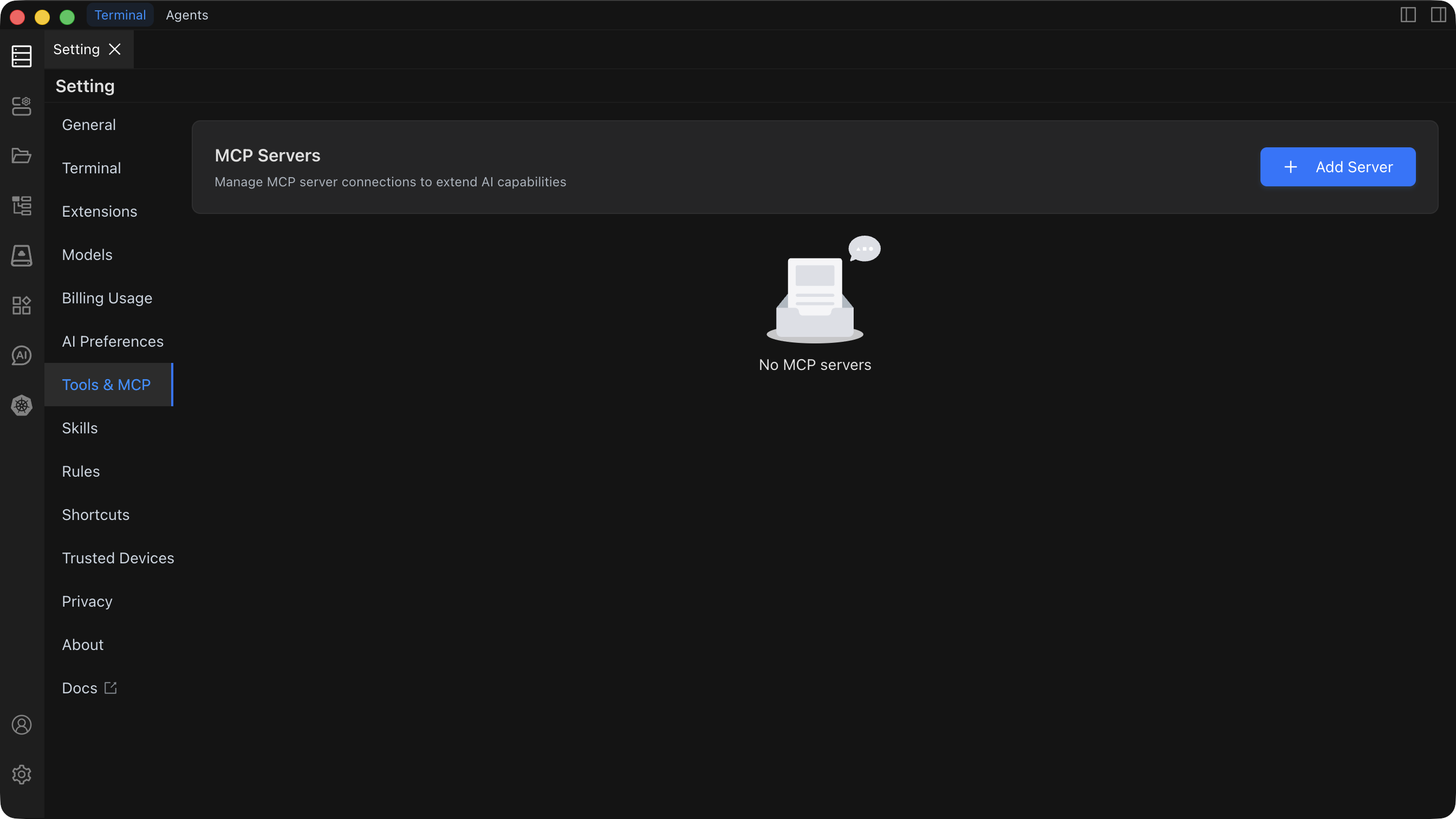
Feature Overview
The MCP Settings page provides the following core features:
- Add MCP Server: Connect to enterprise knowledge bases (such as Notion, GitHub, etc.) or third-party services
- Server Configuration: Configure MCP server connection information, authentication parameters, etc.
- Enable/Disable Control: Flexibly control the enabled state of MCP servers
- Tool and Resource Management: View and manage tools and resources provided by MCP servers
- Auto-approval Settings: Configure tool auto-execution whitelist to improve efficiency
Quick Start
Adding an MCP Server
- Find the
Tools & MCPtab on the left side of the Settings page - Click
Add Server, and the system will automatically open themcp_setting.jsonfile - Add a new server configuration in the editor (JSON format)
- After saving, Chaterm will automatically read and attempt to connect to the server
Server Types
MCP supports two types of servers:
- STDIO Server: Local command-line server that communicates through standard input/output
- HTTP Server: Remote service that connects through HTTP/HTTPS protocol
Main Features
Server Management
- Connection Status Monitoring: Real-time view of server connection status (connecting/connected/error)
- Configuration Editing: Edit server configuration directly in JSON files
- Quick Enable/Disable: Quickly control server state through switches
Tool Management
- Tool List: View all tools provided by the server
- Tool Toggle: Enable/disable specific tools as needed to save token consumption
- Parameter View: View tool parameter descriptions and usage methods
- Auto-approval: Configure auto-approval for trusted tools to skip confirmation steps
Resource Management
- Resource Browsing: View the resource list provided by the server
- Resource Description: Understand the purpose and URI of each resource
- Direct Access: Directly read resources in supported entry points
Configuration Details
Basic Configuration Items
- type: Connection type (stdio/http), can be omitted (system will automatically infer)
- disabled: Whether to disable this server
- timeout: Call timeout time (seconds)
- autoApprove: Auto-approval tool whitelist (by tool name)
STDIO Server Configuration
Requires configuration of command and optional parameters such as args, cwd, env, etc.
HTTP Server Configuration
Requires configuration of url and optional parameters such as headers (for authentication), etc.
Usage Recommendations
- Security: Only add trusted tools to
autoApprove, handle configurations containing credentials with caution - Performance Optimization: Set appropriate
timeoutvalues based on network conditions (recommended 120-180 seconds) - Resource Management: Reasonably close unused tools to reduce token consumption
- Configuration Backup: Regularly backup the
mcp_setting.jsonconfiguration file
Related Documentation
For detailed configuration instructions, troubleshooting, and best practices, please refer to the MCP Usage Guide documentation.